

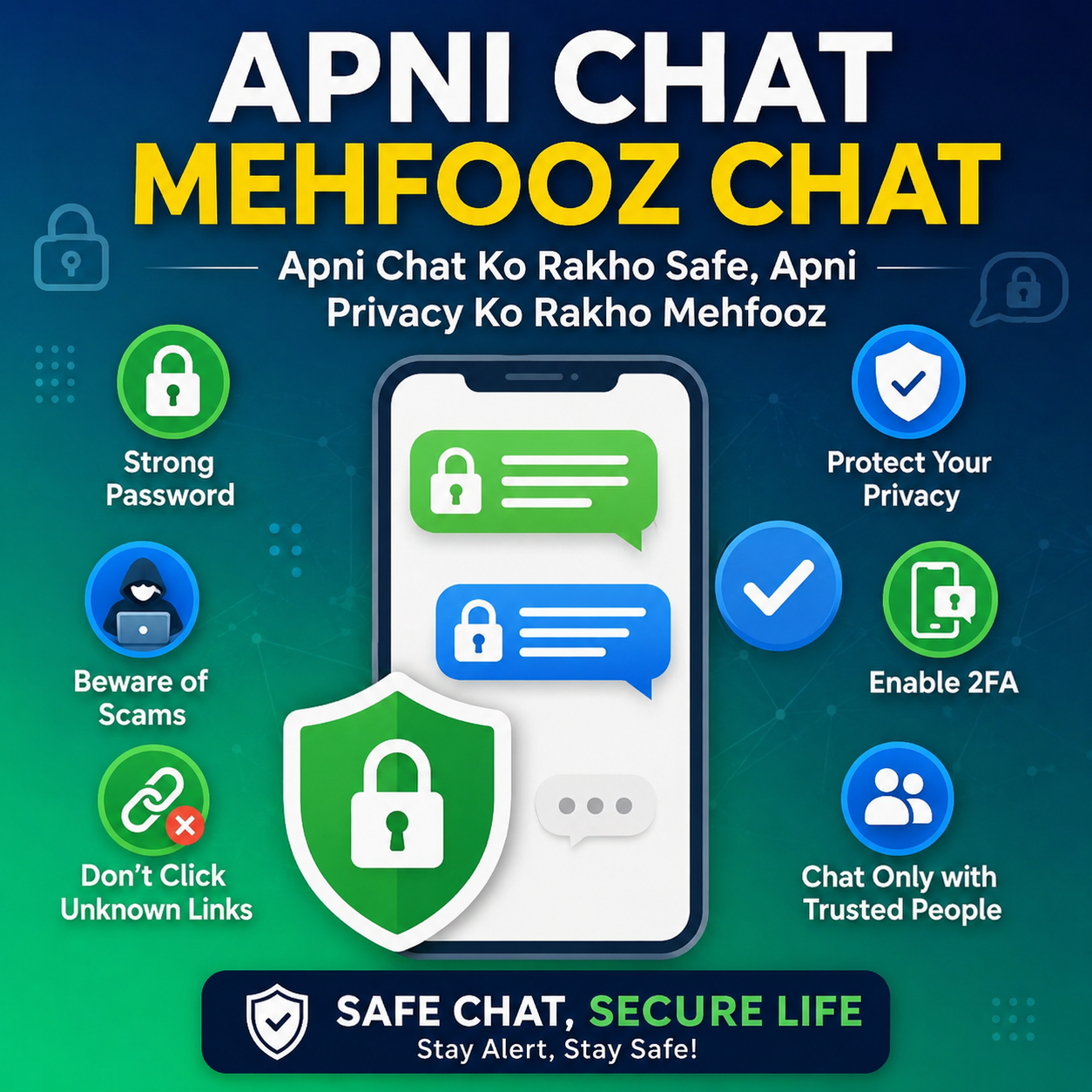
Apni Chat Mehfooz Chat is a digital safety awareness campaign that encourages people to keep their online conversations safe and private. Today, millions of people use messaging apps every day to chat with family, friends, classmates, and colleagues. While these apps make communication easy, they also create risks if users do not protect their personal information.
The main goal of Apni Chat Mehfooz Chat is to teach users how to use chat applications safely, avoid online scams, protect personal data, and enjoy a secure online experience. Whether you use WhatsApp, Facebook Messenger, Telegram, Instagram, Signal, or any other messaging app, following basic security rules can help protect your privacy.
What is Apni Chat Mehfooz Chat?
Apni Chat Mehfooz Chat means “Keep Your Chat Safe.” It is a simple message that reminds internet users to protect their online conversations from hackers, scammers, and cybercriminals.
The campaign encourages people to:
- Keep chats private.
- Protect personal information.
- Use strong passwords.
- Avoid fake messages.
- Report suspicious activities.
- Stay alert while chatting online.
It is useful for people of all ages, especially students, parents, office workers, and anyone who regularly uses messaging apps.
Why Online Chat Safety is Important?
Many people think chatting online is completely safe, but cybercriminals often target users through messaging platforms.
Without proper security, you may face:
- Identity theft
- Account hacking
- Financial fraud
- Fake job offers
- Scam links
- Personal data leaks
- Privacy violations
By following safe chatting practices, you can greatly reduce these risks.
Objectives of Apni Chat Mehfooz Chat
The campaign aims to:
- Increase awareness about online safety.
- Protect users from cyber scams.
- Encourage responsible internet use.
- Teach people how to identify fake messages.
- Promote secure communication.
- Help users protect personal information.
- Reduce cybercrime through education.
Main Features of Apni Chat Mehfooz Chat
Explore the features and functions of this chat.
Privacy Awareness
Users learn how to keep personal conversations private and avoid sharing sensitive information.
Personal Information Protection
The campaign teaches users never to share:
- CNIC number
- ATM PIN
- Bank account details
- Passwords
- OTP verification codes
- Passport information
- Home address
Sharing these details can lead to fraud or identity theft.
Safe Messaging
Users are encouraged to:
- Chat only with trusted people.
- Verify unknown contacts.
- Ignore suspicious messages.
- Report fake accounts.
Scam Awareness
Many scammers send fake messages pretending to be:
- Banks
- Government offices
- Delivery companies
- Prize organizations
- Family members
- Online stores
The campaign teaches users how to recognize these scams.
Password Security
Strong passwords help protect your account.
A secure password should include:
- Uppercase letters
- Lowercase letters
- Numbers
- Special characters
Example:
Ab#2026Safe!
Avoid using:
- 123456
- password
- your name
- birth date
Two-Factor Authentication (2FA)
Two-factor authentication adds another security layer.
When enabled:
- You enter your password.
- You confirm your identity with a code.
Even if someone knows your password, they cannot easily access your account. Now you can visit the PM Laptop scheme and enjoy this service.
Reporting Fake Accounts
If someone pretends to be another person or sends suspicious messages, report the account immediately.
This helps protect other users from scams.
Benefits of Apni Chat Mehfooz Chat
Some major benefits include:
- Better online privacy
- Reduced hacking risk
- Protection against scams
- Secure communication
- Safer social media experience
- Increased awareness
- Better digital habits
- Protection of financial information
Online Chat Threats
Phishing Messages
Phishing messages try to steal your personal information.
Example:
“Click here to verify your account.”
Always verify such messages before clicking.
Fake Prize Messages
Scammers often send messages saying:
“You have won Rs. 500,000.”
They may ask for:
- Registration fees
- Banking details
- Personal information
Most of these messages are fake.
Malware Links
Never click on unknown links.
These links may install harmful software that can:
- Steal passwords
- Damage your device
- Access personal files
Fake Job Offers
Many scammers advertise fake jobs through chat applications.
Always verify job offers through official company websites.
Romance Scams
Some criminals build fake relationships online to request money or personal information.
Be careful when talking to strangers.
Fake Customer Support
Scammers pretend to be customer support representatives.
They may ask for:
- OTP codes
- Passwords
- Banking details
Official companies never ask for these details through chat.
Tips for Safe Online Chatting
Follow these simple safety tips:
- Never share passwords.
- Keep apps updated.
- Enable two-factor authentication.
- Use strong passwords.
- Verify unknown contacts.
- Avoid suspicious links.
- Never share OTP codes.
- Lock your phone.
- Use trusted Wi-Fi.
- Report suspicious users.
- Block scammers.
- Review privacy settings regularly.
How to Protect Your Chat Account?
Update Your Apps
Always install the latest updates because they fix security problems and improve protection.
Enable Screen Lock
Use:
- PIN
- Password
- Fingerprint
- Face Unlock
This protects your device if it is lost.
Backup Your Chats
Regular backups help restore conversations if you change your phone or lose your data.
Manage Privacy Settings
Review your settings regularly.
Limit who can see:
- Profile photo
- Last seen
- Status
- About information
Log Out from Shared Devices
Never leave your account logged in on a public or shared computer.
How Parents Can Protect Children?
Parents should:
- Teach safe internet habits.
- Explain online risks.
- Monitor children’s online activity.
- Encourage open communication.
- Set privacy controls.
- Limit chatting with strangers.
Mistakes to Avoid
Many users unknowingly make these mistakes:
- Sharing OTP codes
- Using weak passwords
- Clicking unknown links
- Accepting random friend requests
- Downloading files from strangers
- Ignoring security updates
- Reusing the same password everywhere
- Sharing personal documents through chat
Avoiding these mistakes can greatly improve your online safety.
Best Practices for Secure Messaging
For a safer chatting experience:
- Verify the identity of unknown contacts.
- Think before sharing personal information.
- Check website links carefully.
- Keep your operating system updated.
- Install apps only from trusted sources.
- Enable automatic security updates.
- Use secure internet connections.
- Regularly review your account activity.
Who Should Follow Apni Chat Mehfooz Chat?
This awareness message is useful for everyone, including:
- Students
- Teachers
- Parents
- Business owners
- Government employees
- Office workers
- Freelancers
- Online shoppers
- Social media users
- Senior citizens
Anyone who uses messaging apps can benefit from these safety practices.
Frequently Asked Questions
Is Apni Chat Mehfooz Chat a mobile app?
No. It is a safety awareness message and a set of best practices that encourages people to protect their online chats and personal information.
Why is online chat security important?
It helps protect your privacy, prevents scams, reduces the risk of hacking, and keeps your personal information safe.
Should I share my OTP code with anyone?
No. Never share OTP or verification codes with anyone, even if they claim to be from a bank or a trusted company.
What should I do if I receive a suspicious message?
Do not click any links or share personal information. Block and report the sender if necessary.
Can a strong password protect my account?
Yes. A unique and strong password, along with two-factor authentication, greatly improves your account’s security.
How often should I update my messaging apps?
Install updates whenever they are available to ensure you have the latest security fixes and features.
Conclusion
Apni Chat Mehfooz Chat reminds everyone to make online safety a daily habit. By using strong passwords, enabling two-factor authentication, avoiding suspicious links, protecting personal information, and staying alert to scams, you can significantly reduce the risk of cyber threats.
Whether you are chatting with friends, family, or colleagues, following these simple security practices will help keep your conversations private and your digital life more secure. Staying informed and cautious is the best way to enjoy a safe and confident online experience.
