

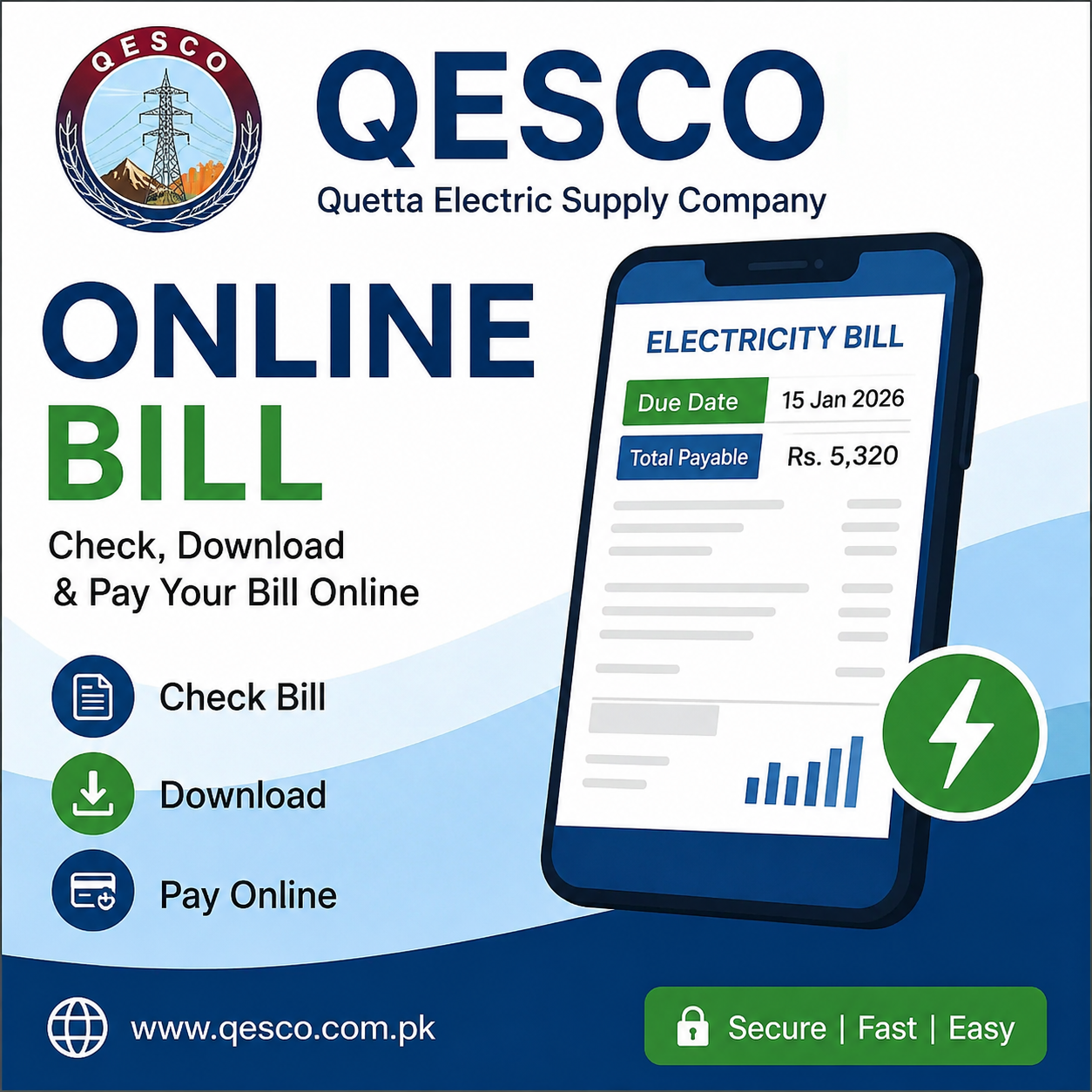
QESCO Online Bill 2026 is a convenient service that allows electricity consumers in Balochistan to check their monthly electricity bills online. Instead of waiting for a printed bill to arrive at home, users can quickly view, download, and print their bills using the internet.
QESCO stands for the Quetta Electric Supply Company. It is responsible for supplying electricity to most districts of Balochistan, Pakistan. Millions of consumers rely on QESCO for their electricity needs, and the online bill service helps them access billing information anytime and anywhere.
In this guide, you will learn everything about QESCO Online Bill 2026, including how to check your bill, find your reference number, download duplicate bills, pay bills online, and solve common billing issues.
What is QESCO?
Quetta Electric Supply Company (QESCO) is one of Pakistan’s major electricity distribution companies. It operates under the supervision of the Government of Pakistan and distributes electricity to residential, commercial, industrial, and agricultural consumers across Balochistan.
QESCO serves cities and districts such as:
- Quetta
- Khuzdar
- Turbat
- Gwadar
- Zhob
- Chaman
- Sibi
- Loralai
- Pishin
- Mastung
The company manages electricity distribution, billing, meter readings, and customer support services.
What is the QESCO Online Bill?
QESCO Online Bill is a digital facility that allows consumers to:
- Check current electricity bills online
- Download duplicate bills
- Print electricity bills
- View bill details
- Check due dates
- Verify bill amounts
- Monitor electricity charges
This service is available 24 hours a day and can be accessed using a mobile phone, tablet, or computer.
Benefits of QESCO Online Bill
There are several advantages of checking your QESCO bill online:
Instant Access
You can view your electricity bill anytime without waiting for a physical copy.
Free Service
The online bill checking service is completely free for all consumers.
Download Duplicate Bills
If you lose your original bill, you can easily download a duplicate copy.
Easy Payment Planning
Consumers can check the bill amount before the due date and plan their payments accordingly.
Available Anywhere
Whether you are at home, in the office, or traveling, you can access your bill from anywhere with internet access.
How to Check QESCO Online Bill 2026?
Checking your QESCO electricity bill online is very simple.
Visit the Bill Checking Website
Open the official QESCO bill checking portal or a trusted online bill service.
Enter Your Reference Number
Type your 14-digit reference number carefully.
Click Submit
Press the submit or check bill button.
View Your Bill
Your latest electricity bill will appear on the screen along with complete details.
Download or Print
You can save the bill as a PDF or print it for payment purposes.
Visit NTS and NJP for new opportunities.
How to Find the Reference Number?
Many users do not know where to find the reference number.
The reference number is printed on the top section of your previous electricity bill.
Important points:
- It usually contains 14 digits.
- Every electricity connection has a unique reference number.
- You need this number to check your bill online.
Without the reference number, the online bill system cannot retrieve your billing information.
Information Available on QESCO Online Bill
When you check your bill online, you can see:
- Consumer name
- Reference number
- Customer ID
- Billing month
- Due date
- Meter reading details
- Previous meter reading
- Current meter reading
- Units consumed
- Electricity charges
- Taxes and surcharges
- Total payable amount
- Late payment surcharge
This information helps consumers understand their electricity usage and charges.
How to Download a Duplicate QESCO Bill?
If your original bill is lost or damaged, you can obtain a duplicate copy.
Follow these steps:
- Open the online bill portal.
- Enter your reference number.
- View your latest bill.
- Click the download option.
- Save the bill as a PDF file.
The downloaded copy can be used for payment just like the original bill.
How to Print Your QESCO Bill?
Printing a duplicate bill is easy.
- Open the online bill.
- Click the print button.
- Select your printer.
- Print the bill.
The printed copy can be submitted to banks, payment centers, or used for record keeping.
Online Payment Methods for QESCO Bills
Consumers can pay their electricity bills through several convenient methods.
Mobile Banking Apps
Most Pakistani banks allow electricity bill payments through their mobile applications.
Internet Banking
Users can log in to their bank accounts and pay bills online.
ATM Machines
Many ATMs support utility bill payments.
Mobile Wallets
Digital wallets and payment services often provide electricity bill payment options.
Bank Branches
Consumers can also visit authorized banks to pay their bills.
Retail Payment Centers
Many authorized payment centers and franchise shops accept QESCO bill payments.
Common Problems While Checking QESCO Bills
Sometimes users may face issues when checking bills online.
Invalid Reference Number
Make sure you enter the correct 14-digit reference number.
Website Not Loading
This may happen due to internet issues or high website traffic.
Bill Not Available
A newly generated bill may take some time to appear online.
Incorrect Information
If billing information appears incorrect, contact QESCO customer support immediately.
How to Reduce Electricity Bills?
Here are some useful tips to lower electricity costs:
- Turn off unused lights and appliances.
- Use energy-efficient LED bulbs.
- Avoid unnecessary air conditioner usage.
- Unplug devices when not in use.
- Use energy-saving appliances.
- Maintain electrical equipment regularly.
These simple practices can significantly reduce monthly electricity expenses.
QESCO Customer Support
If you experience billing issues, meter problems, or payment disputes, you can contact QESCO customer support.
Common services include:
- Billing complaints
- Duplicate bill assistance
- Meter reading issues
- New connection information
- Payment verification
- Electricity supply complaints
Always keep your reference number available when contacting customer support.
Frequently Asked Questions (FAQs)
Can I check my QESCO bill without a reference number?
No. A valid reference number is required to access your bill online.
Is the online bill service free?
Yes. Checking and downloading your QESCO bill online is completely free.
Can I print a duplicate bill?
Yes. Duplicate bills can be downloaded and printed anytime.
Can I pay my bill online?
Yes. Most banks, mobile wallets, and internet banking services support QESCO bill payments.
Is the online bill copy valid for payment?
Yes. The downloaded duplicate bill is valid for payment.
Conclusion
QESCO Online Bill 2026 makes electricity bill management easier and faster for consumers across Balochistan. By using the online bill service, users can instantly check their bills, download duplicate copies, print bills, and monitor their electricity charges from anywhere. This digital facility saves time, reduces inconvenience, and provides quick access to important billing information. Whether you need to view your current bill, verify charges, or make payments on time, the QESCO Online Bill system offers a simple and reliable solution for all consumers.
